

Xogot 1.6: Powered by Godot 4.6 with New Videos, Tutorials and Starter Kits
Xogot 1.6 is now available on the App Store for iPad and iPhone. This release brings Xogot forward to Godot 4.6 and adds new Learning Center content, including 2D and 3D tutorials and three new Kenney Starter Kits.
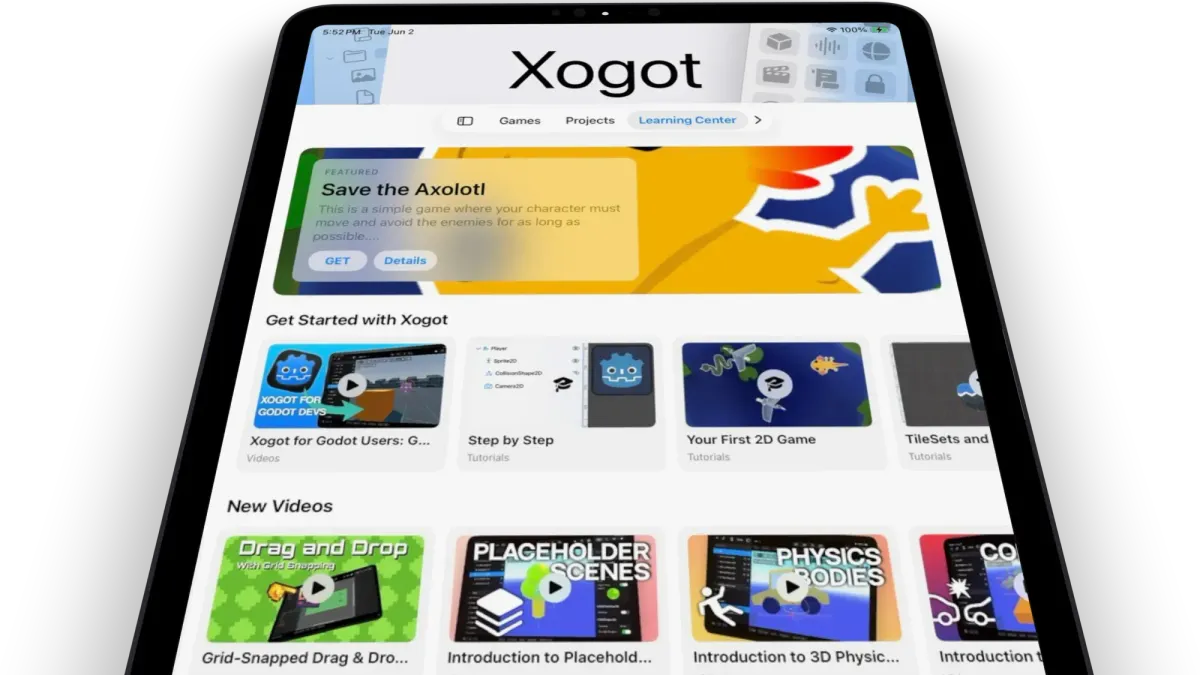
Our latest App Store release is based on the Godot 4.6 previews we have had in TestFlight for the past several months, now available for everyone.
Whether you are opening Xogot for the first time or bringing an existing Godot project to iPad or iPhone, Xogot 1.6 combines the latest Godot engine updates with new tutorials and starter projects to help you get moving faster.
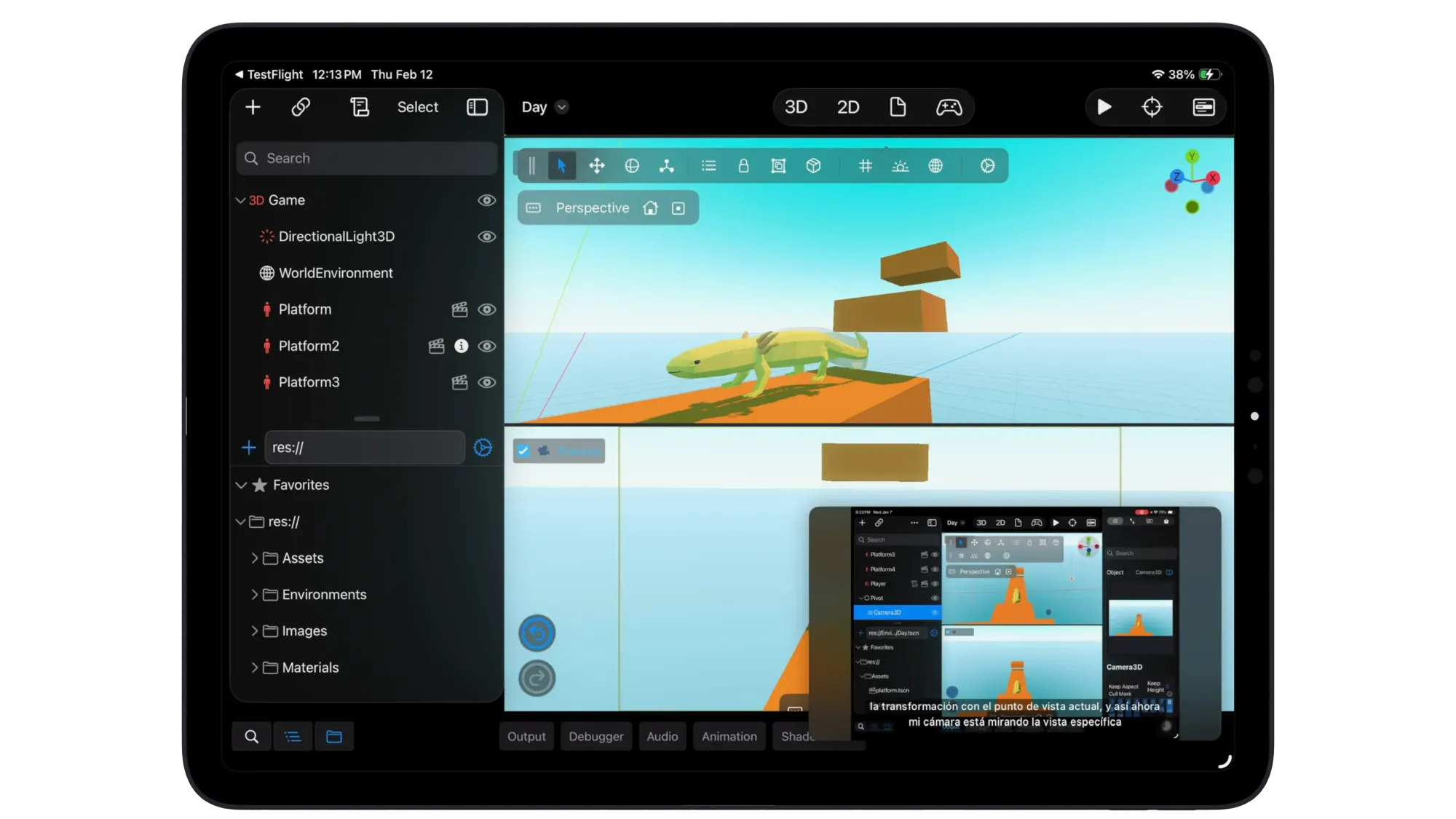
Godot 4.6’s inverse kinematics framework running in Xogot on iPad.
Now powered by Godot 4.6
Xogot 1.6 moves from Godot 4.5 to Godot 4.6. This is a major engine update for Xogot, especially for 3D projects, mobile rendering, physics, animation, and everyday development workflow.
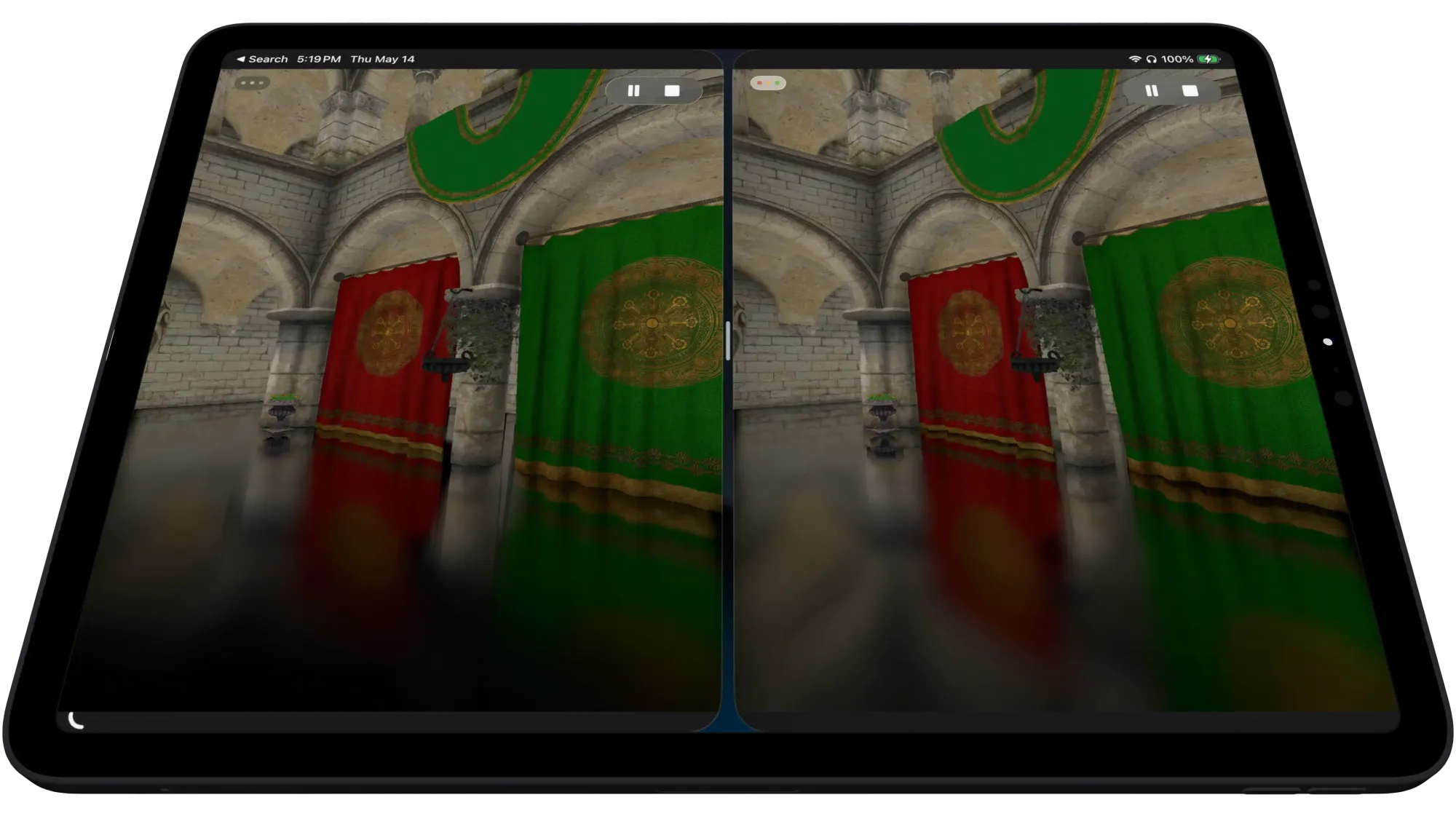
Godot 4.6 includes a major overhaul to Screen Space Reflections, bringing more stable and realistic reflections with better roughness handling and new performance options.
It also includes a new inverse kinematics framework, faster 3D texture imports, improved Mesh LOD generation, and a broad set of rendering improvements, including glow, AgX tonemapping, lighter reflection and radiance probes, material debanding, and improved HDR precision.
Godot 4.6 also makes Jolt Physics the default physics backend for new 3D projects. Existing projects keep their current physics settings, but new projects can benefit from the updated default right away.
You can read the full list of engine changes in the official Godot 4.6 release notes.
More to learn in the Learning Center
We have been steadily expanding the Learning Center inside Xogot. It now includes guided tutorials, video lessons, and sample projects organized around practical learning paths like Getting Started, Intro to 2D and Intro to 3D.
For creators exploring 3D development, the Learning Center now includes a growing series of videos that introduce the core building blocks of making 3D games in Xogot. Our newest videos cover physics bodies, collisions, animation, and more, helping you build a foundation for creating interactive 3D worlds directly on iPad or iPhone.
We have also continued expanding our 2D learning path. Alongside existing videos covering movement, cameras, and environments, this release adds Grid-Snapped Drag & Drop in Xogot, a tutorial that walks through building draggable objects that snap to a grid, avoid overlap, and can be placed quickly from a TileMap scene collection. Together, these videos provide a practical introduction to many of the techniques used in real 2D games.
Three new starter kits from Kenney
Xogot 1.6 also adds three new sample projects from Kenney’s starter kits:
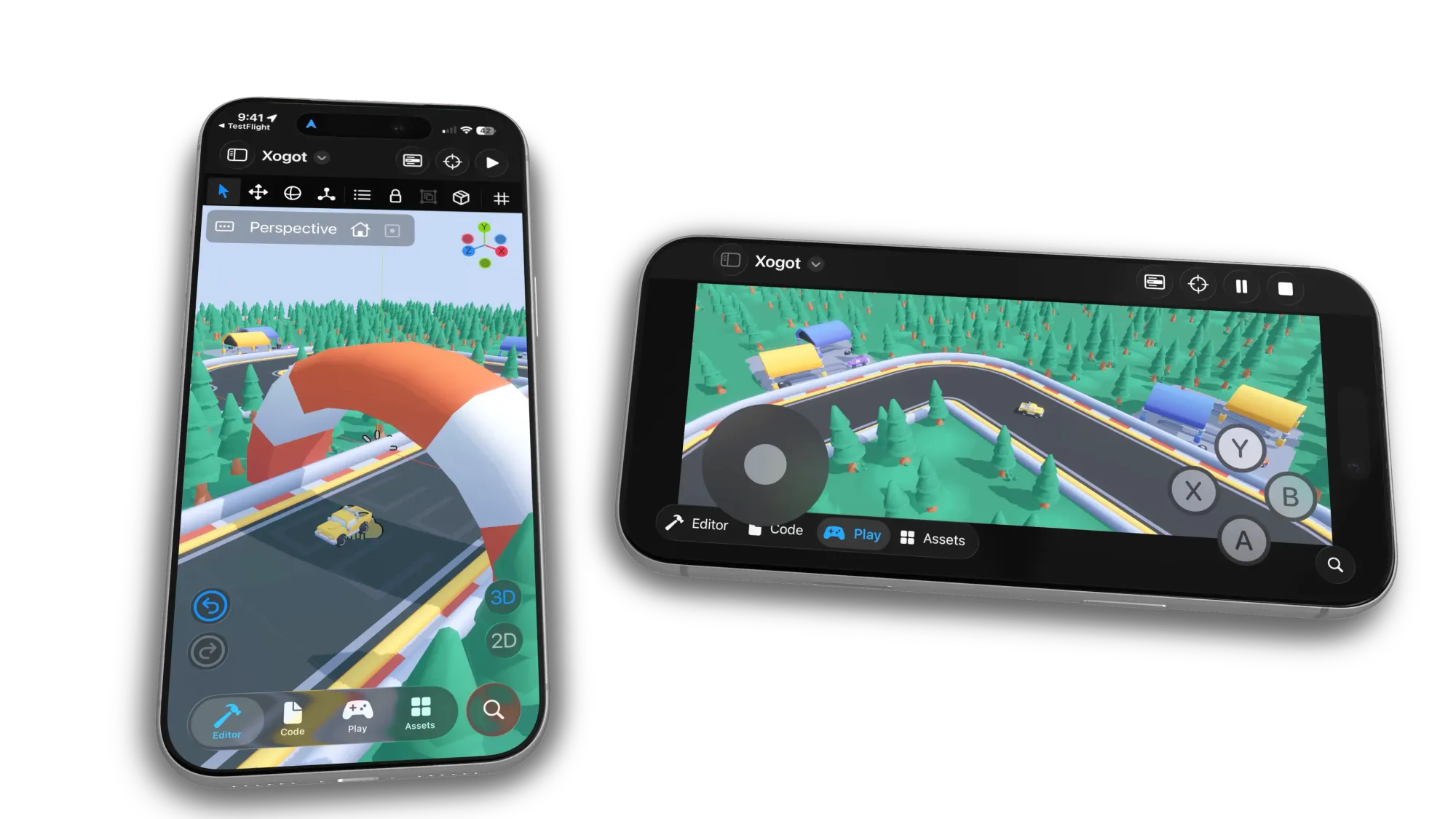
- Starter Kit Racing: A 3D racing template with arcade-style vehicle controls, smoke effects, GridMap-based track creation, and CC0 3D models and sounds. In Xogot, this sample has iOS Virtual Controls enabled so you can start testing immediately on iPad or iPhone.
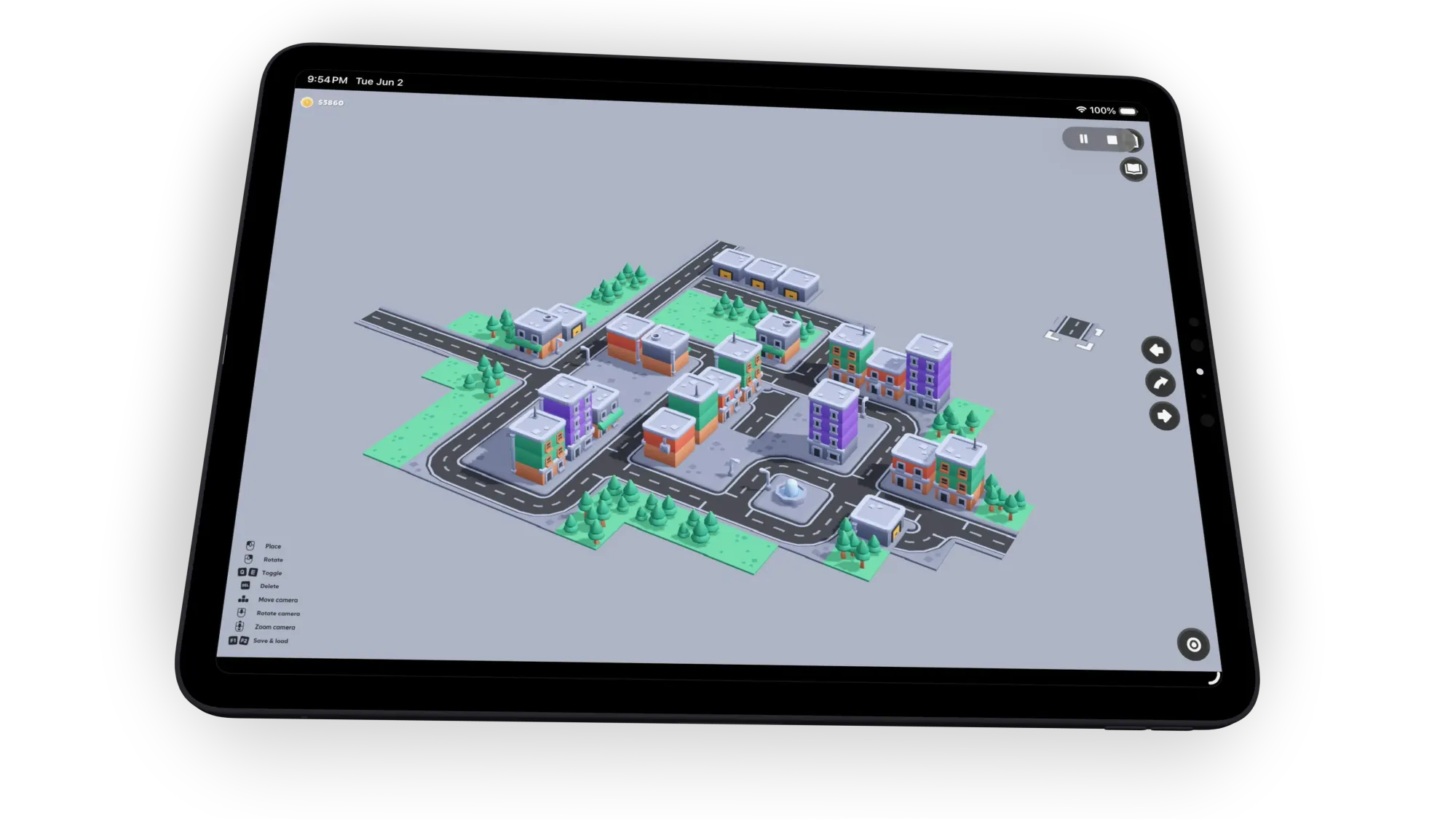
- Starter Kit City Builder: A 3D city-builder template with building placement, removal, camera controls, saving and loading, and dynamic MeshLibrary creation. For Xogot, we added support for touchscreens and touchpads, including two-finger gestures and onscreen controls.
- Starter Kit Match-3: A 2D puzzle template with approachable code, animations, sounds, particles, and CC0 sprites. This project already works great on mobile, so we have kept it unmodified from Kenney’s original.
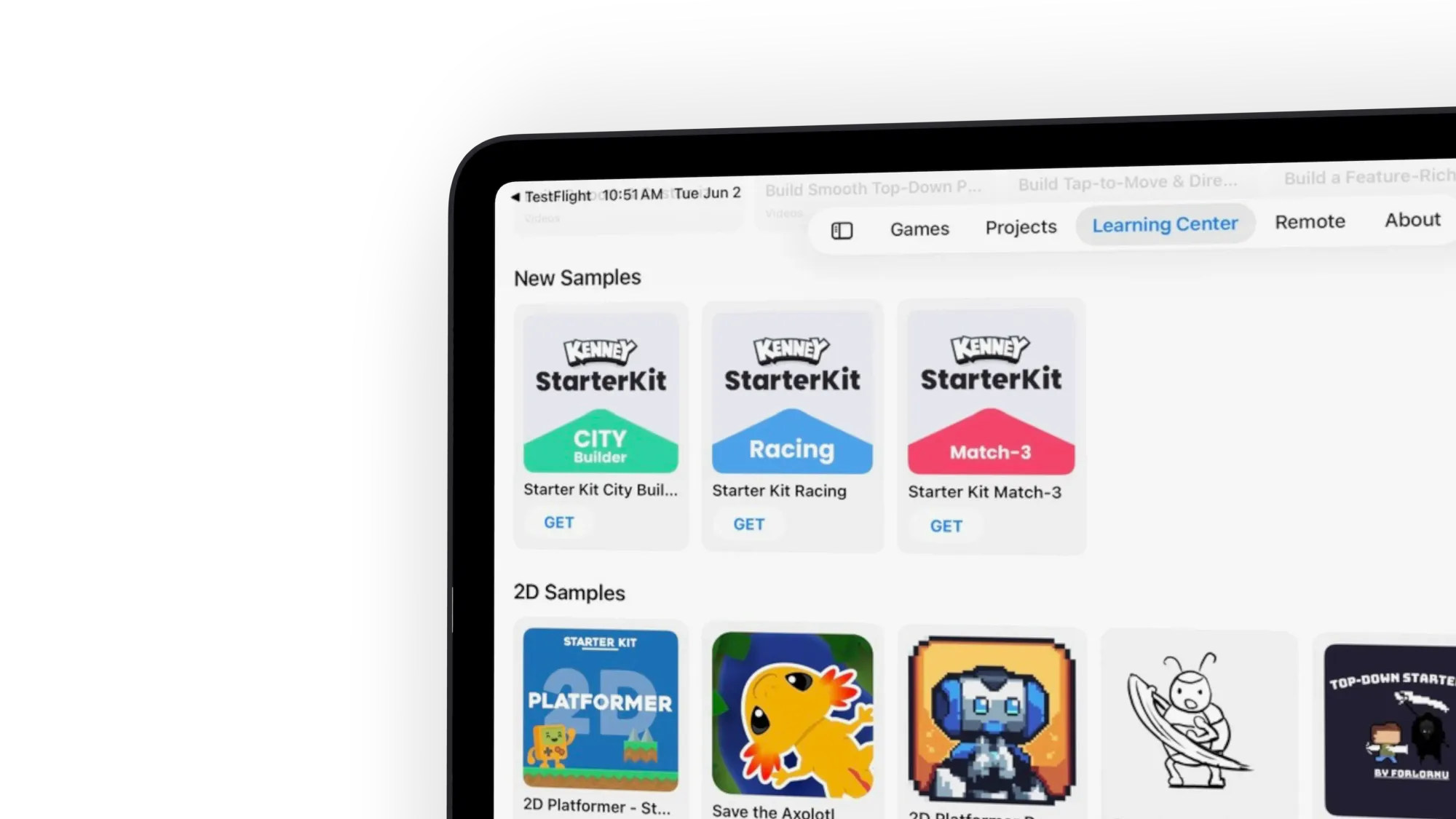
These samples can help you learn how a project is structured, bootstrap your own game, or show you how you can mobilize your own projects.
How to access the Learning Center
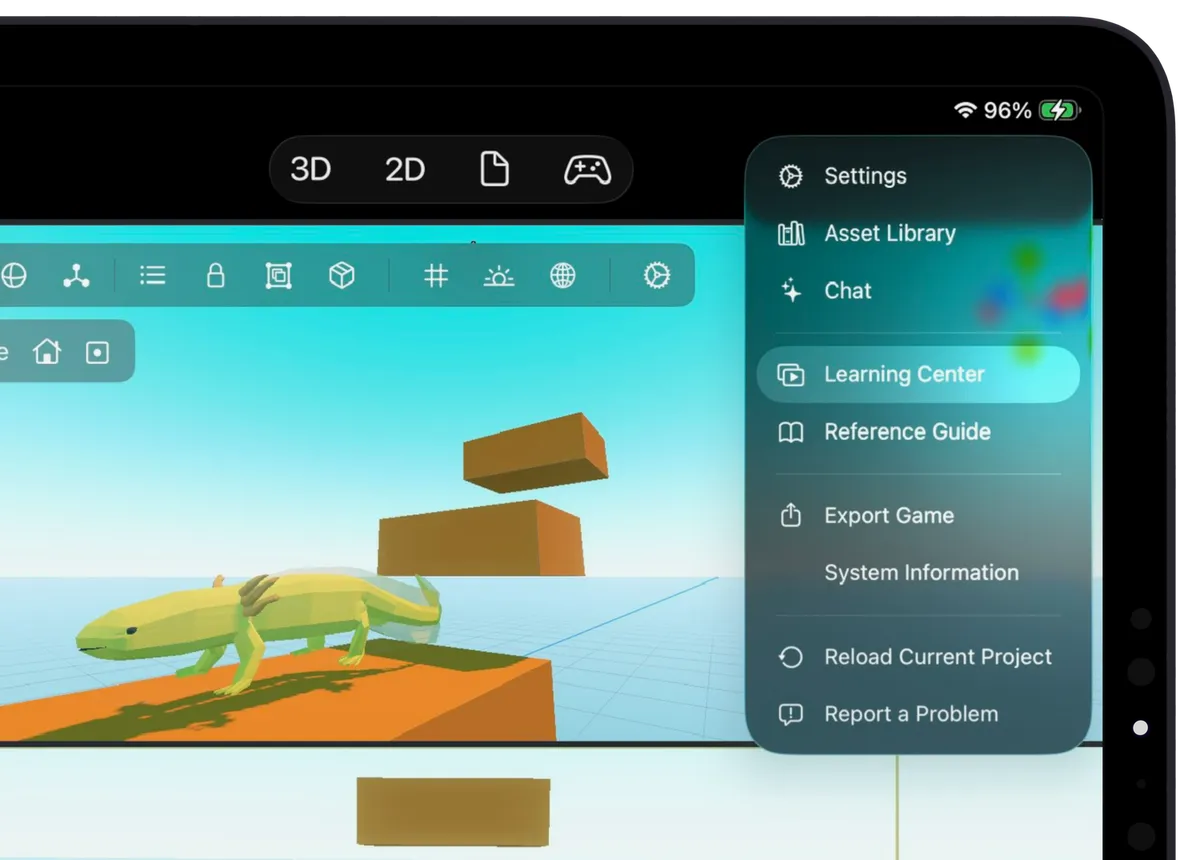
The Learning Center is built directly into Xogot and is available from the Welcome screen.
On iPad, tap the Learning Center button in the sidebar. On iPhone, open the menu and select Learning Center. From there, you can browse tutorials, videos, and sample projects organized by topic.
Upgrading existing projects
Because Xogot 1.6 is based on Godot 4.6.1, existing projects should be treated like any Godot engine upgrade. When you open an existing project, Xogot will prompt you to optionally create a backup before proceeding. We also recommend using source control, such as Git.
Once a project has been opened in Godot 4.6.1, assume it may not be suitable for continued editing in Godot 4.5. The App Store also does not provide a way to downgrade to an earlier version of Xogot after updating.
For production projects, we recommend reviewing Godot’s migration guide for upgrading from 4.5 to 4.6 and testing carefully.
If you have questions about upgrading an existing project, or if you need to remain on an older version of Xogot for a specific workflow, please contact us. We are happy to discuss your situation and help you plan the transition.
Get Xogot 1.6
After updating, open the Learning Center to browse the new videos and starter kits, or open a project to start building with Godot 4.6.1 on iPad and iPhone.

Or, if you are on Mac, try out our Xogot for Mac Beta.