

A Helping Hand for Game Creators
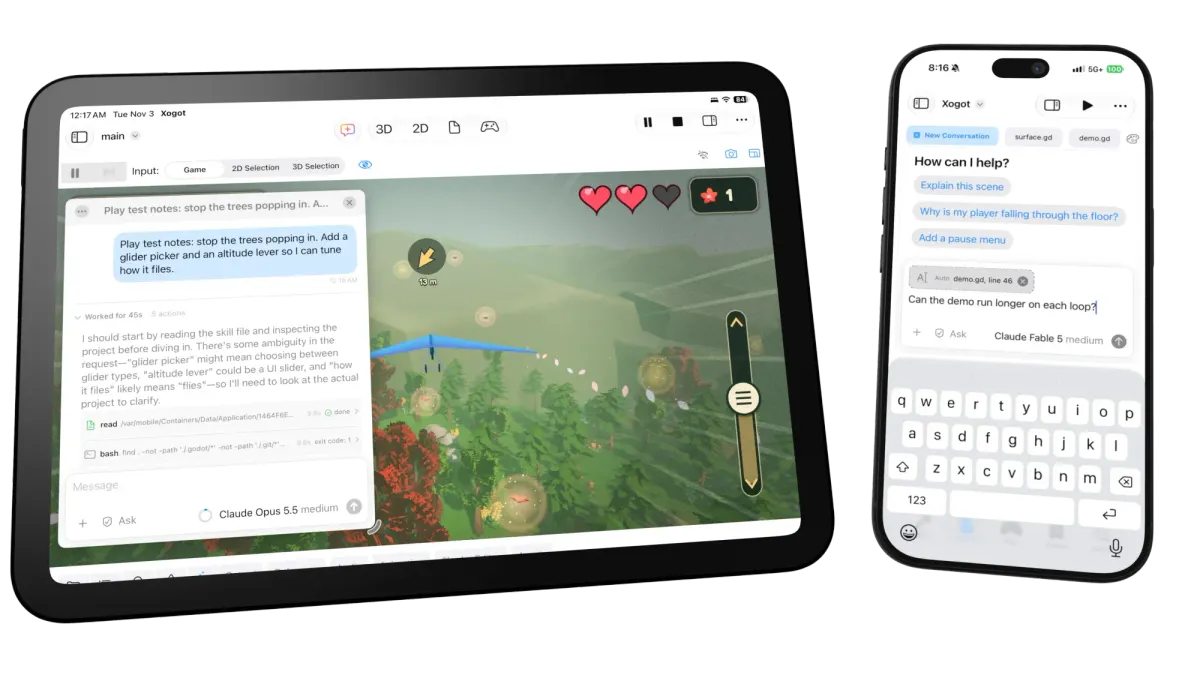
Meet Xogot's new built-in AI agent. It can help write code, troubleshoot problems, and make changes directly in your Godot projects on iPad and iPhone.
Making games is a bit like mounting a theater production, not only you need a script, but you also need to cast actors, researched dramaturgy, a stage, props, lighting, costumes, producers and a director to bring the story come to life.
In particular, in the indie space (where Godot and Xogot are the strongest), developing a game requires the creator to take on dozens of different hats from the parts they truly enjoy, to doing to the parts they dread or outright hate.
Today, we're bringing agentic coding to Xogot on iPad and iPhone. AI agents can now help you build your games by writing and modifying code, tackling programming tasks, and handling repetitive work, freeing you to focus on the creative decisions that make your game your own.
What Makes a Game Worth Playing
The news headlines have been captured by AI systems "one-shotting" apps and games in one agentic run. But the reality is more somber. Any creative solution, regardless of the resources available to you, is made of hundreds of smaller decisions, the areas that you care about, the moods, the mechanics, the style, the audio - things that someone needs to put together to bring a vision to life. An AI cannot replace your vision for the game play, the challenges, the layered flavors and the progressive joy that comes from stitching together the experience.
Too many projects die out of a dozen big unknowns and thousand cuts. Our built-in AI-agent makes it so that you can take care of some mountains you had been avoiding, or help clear your back log of the thousand cuts, directly from the Xogot editor. We have personally experienced the joy of completing features and redesigns we cared about in Xogot, while we could delegate the menial tasks of fixing our CI builds, or merging large conflicting branches in minutes rather than hours.
We hope that making these tools available directly to you will help you also get over the challenges of mounting an entire production Think of it as having your own gofer and junior producers on staff to help you complete your vision.
We have watched children bring their game ideas to life with our agent. And when we watch them build these games, they do not end with a "one shotted game". They keep iterating and improving the games over and over - polishing and obsessing about different parts of their games like any other creator would. Our own children spend hours obsessing over details of the game and act as directors and producers of their own games. They may not have mastered the finer art of object oriented programming and memorized hundreds of APIs to create their games, but they are creating fun games, sharing them and iterating in them like anyone else in the industry does today.
And we have also seen our friends resuscitate projects that they had abandoned when they hit a wall.
Using the Xogot Agent
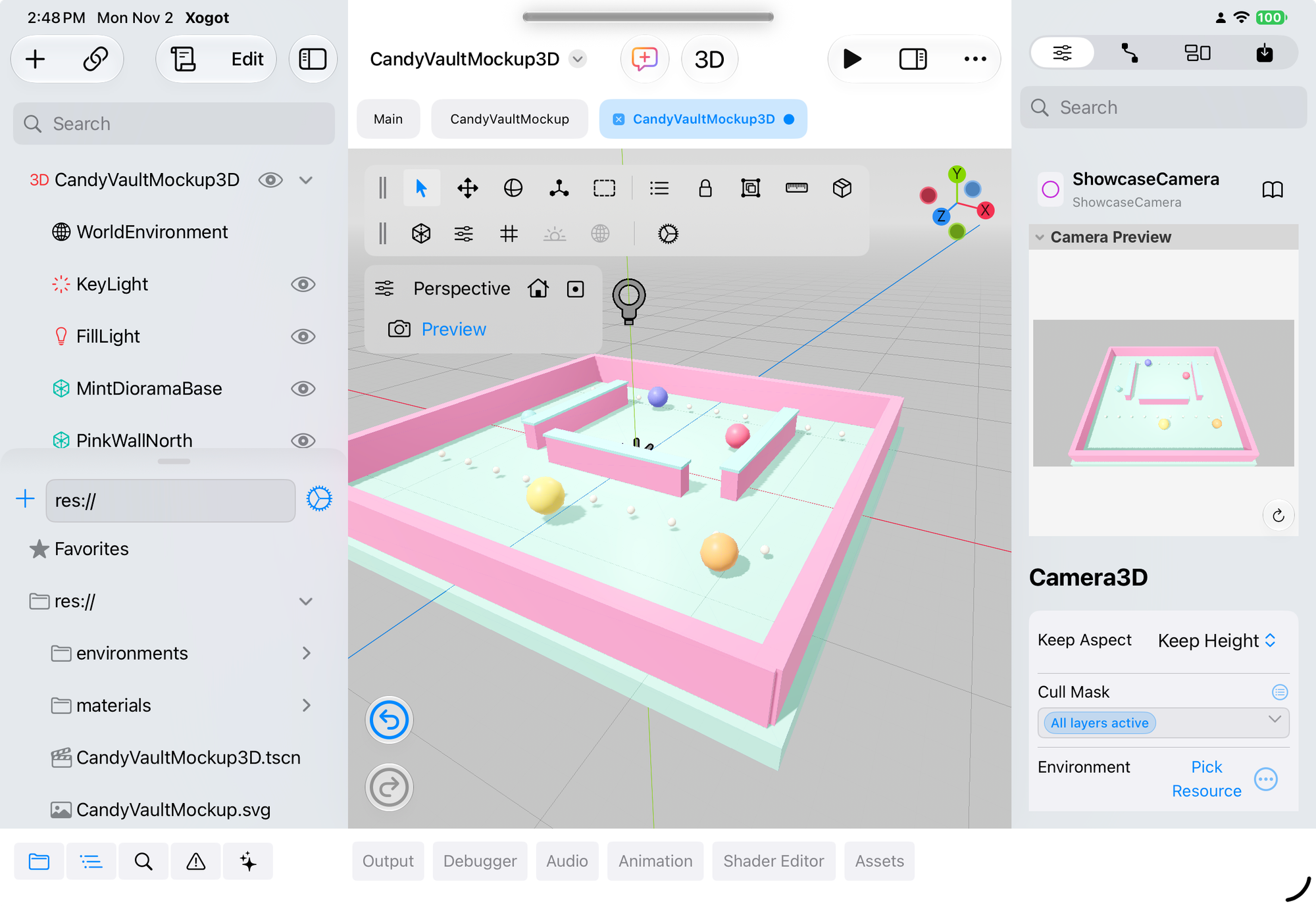
On iPad, you can start a chat directly from the toolbar at the top of the app. And on iPhone, you can reach the Xogot Agent from the tab switcher at the bottom of the sidebar panel. :
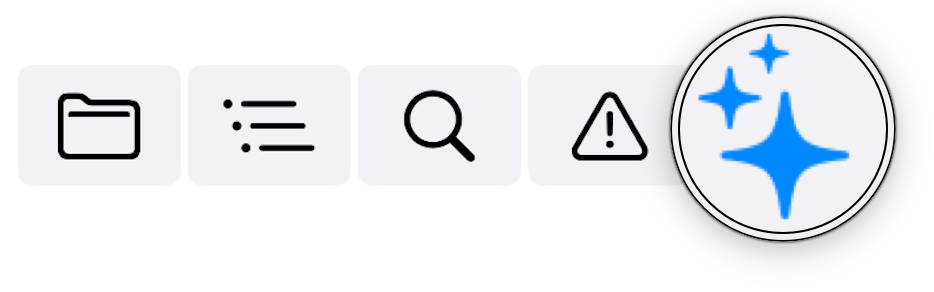
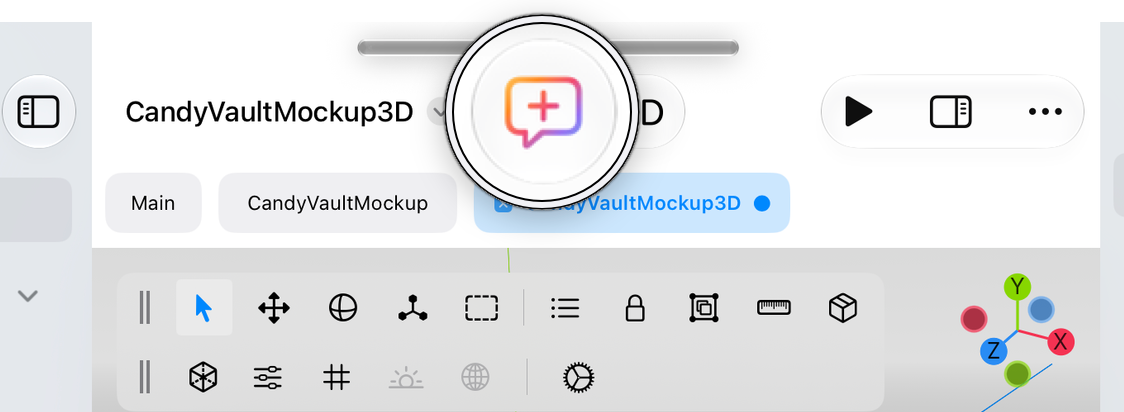
iPad toolbar and iPhone bottom switcher.
We do not provide an AI server for you, you need to configure one, accessing either an existing subscription or an API key. You can use many of the popular services out there with your existing account like Anthropic's Claude, OpenAI's ChatGPT, GitHub Copilot, or you can use a dedicated key from one of the many providers, or even a local LLM model that you host yourself. Just head to the "AI Settings tab" in Xogot Settings and pick "Add Provider"
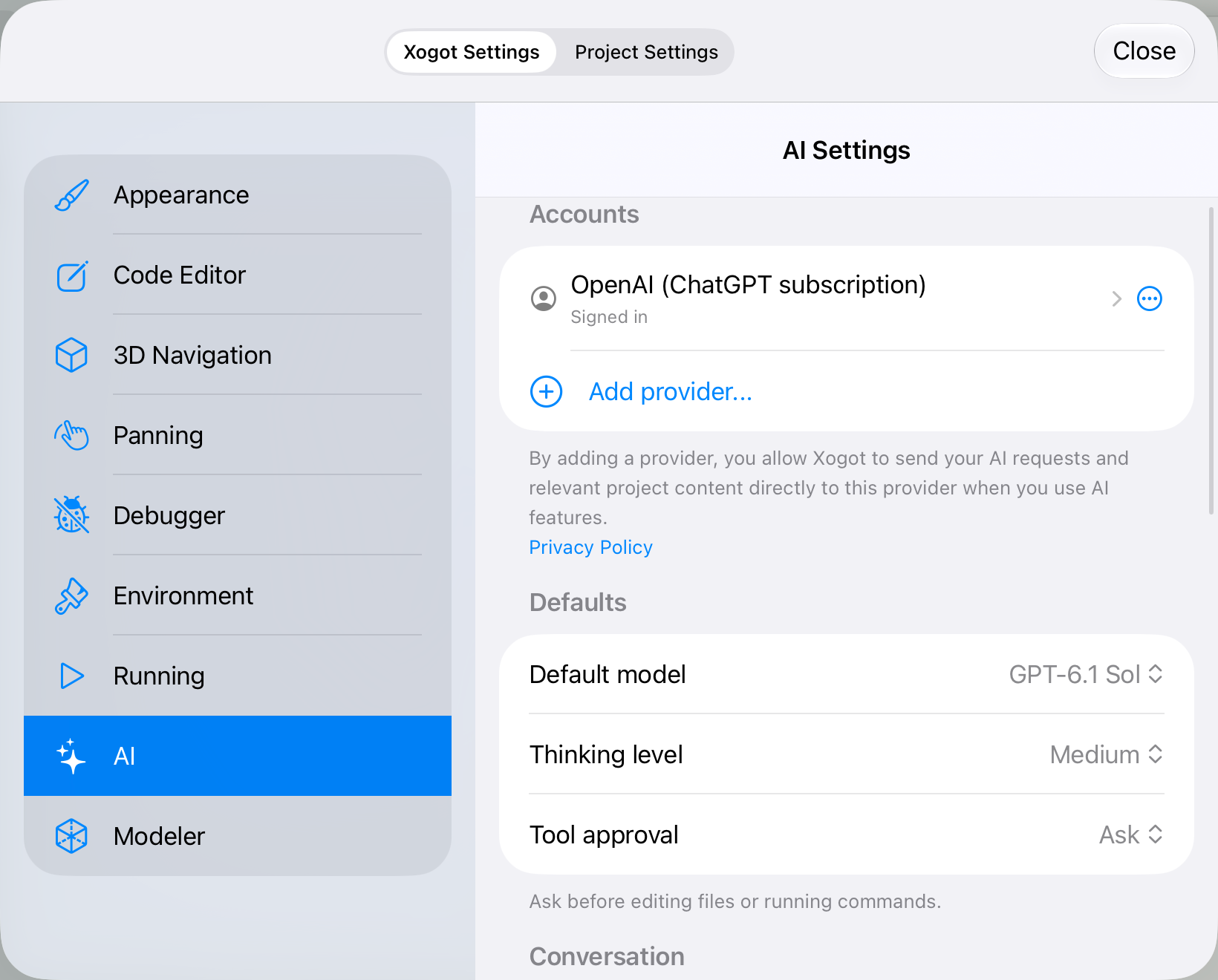
When you tap on the new conversation, you will see a UI that might already be familiar to you:
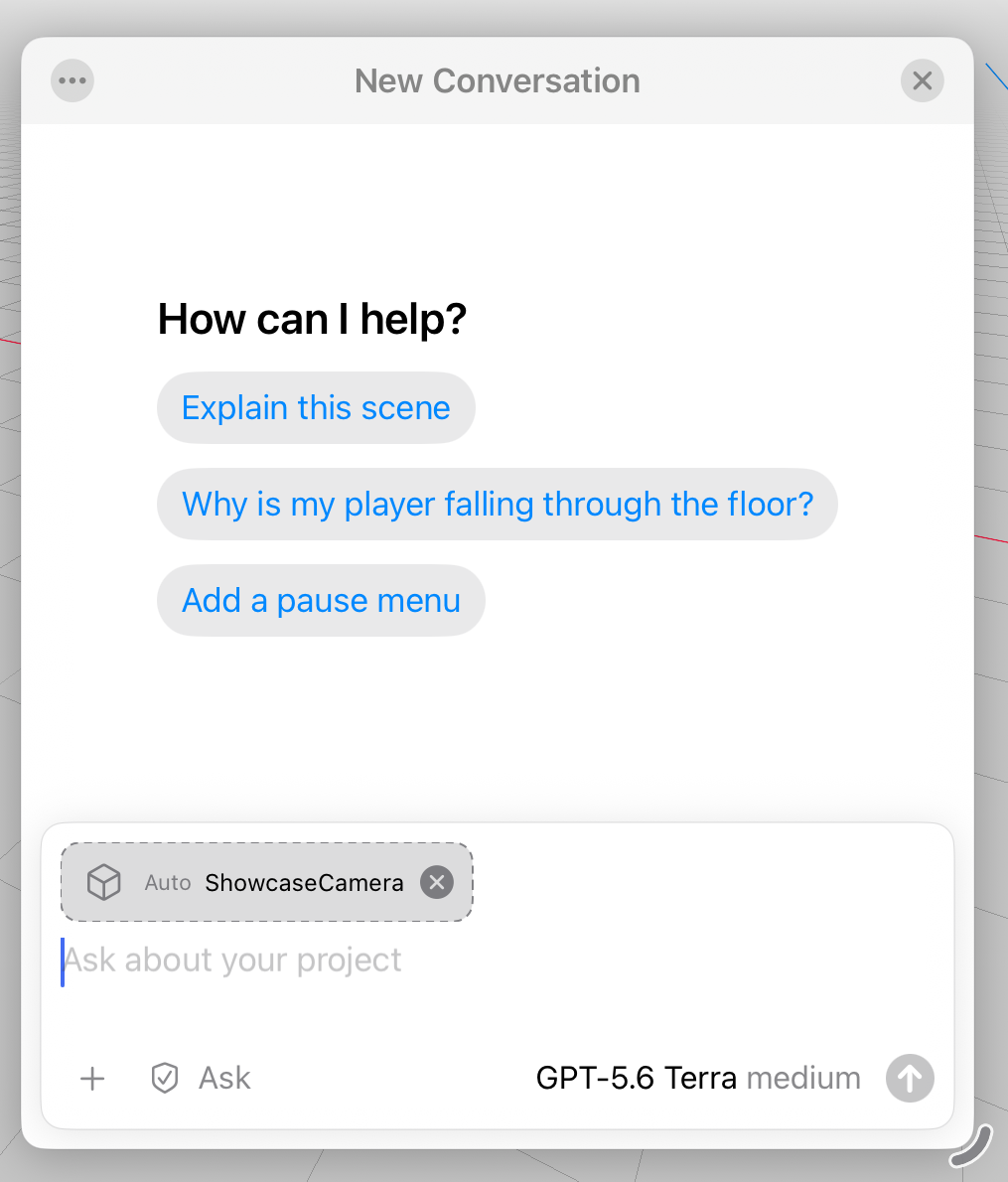
You can direct the agent to help you with all kinds of different tasks:
- "Why isn't this enemy detecting the player?"
- "Add a configuration UI to let me tune the level"
- "Add touch controls to this character in the style of ..."
- "Help me reorganize this inventory system."
- "Split this big scene into reusable scenes"
On this UI, you can attach files, images, or state (in this case, this automatically selected the Camera named ShowcaseCamera to the query). You can also select just how much you authorize the agent to do without prompting for permission. From strictly read-only to allowing unfettered access to the project.
Background Agent Runs
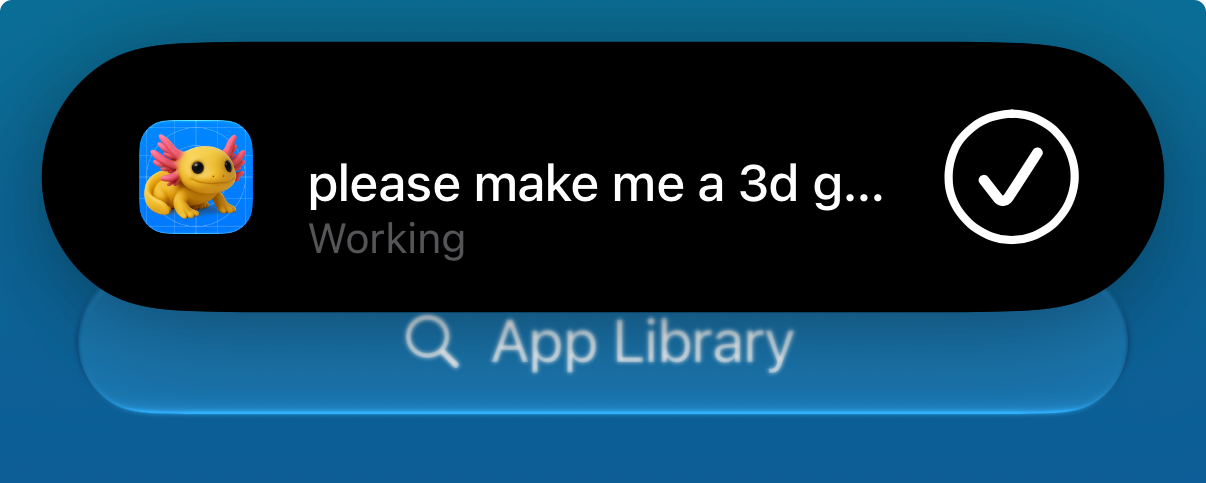
When you start an agent on a task, the task can continue to run in the background. We take advantage of the iOS background execution capabilities so you can switch to another app, take a phone call, do some artwork in another app and the app will continue running in the background. It is an iOS Live Activity so you stay informed of what the agent is doing, get notified when the agent needs you to answer a question or you can stop execution directly from your main screen.

Or on the iPhone:
Under the Hood
The Xogot Agent is a native iOS UI built on top of our PiSwift engine, a Swift port of the pi.dev engine. We ship with a fairly minimal system prompt, but we bundle a SKILL file that provides guidance on how to work in the Godot world, how to access Godot's capabilities and drive the Xogot engine from the agent, including access to the debugger, our own Mesh Modeler and almost every other feature surfaced by Xogot.
It inherits from it a minimalistic approach to agents while supporting many modern standards like:
- SKILLS - so you can bring additional skills into your project for domain specific tasks.
- MCP Support - so you can wire up your own services. These must be reachable via the network. Fear not, we provide a UI for this.
- Codemode: the Godot API and game services are exposed to the agent via a mechanism that the agent can call conveniently, reducing the number of interruptions and approvals required.
While Live Activities are great to keep you up to date, mobile devices have fewer resources than a desktop apps, and iOS might need the memory and terminate Xogot at any time while running in the background.
We incorporated Pi's Durable Support to record and snapshot the work of your agent, so even if the system needs to terminate Xogot you can later reopen your project and resume the tasks you delegated to the agent.
Start Directing
The coding agent is now available on the AppStore for both iPhone and iPad as well as Xogot on Mac (where we offer even more capabilities).

Now, that said, if you just want to get the creative juices flowing, and see what is possible, you can start with trivial prompts like "please make me a 3d game where i need to climb up a cylinder, and avoid boulders coming down - i avoid them by jumping or going on a side passage. you can likely use the modeler to create the spiral and the side passages".
To get a taster of building an entire game on the iPad with the new agent support, check out this video from Marco: