

Xogot Update: First-class Git and Native App Clip Sharing
This update brings Git support to Xogot and when you share your game creations with your friends, iOS users now get an App Clip experience, giving your games the full power of Godot running natively on iOS.
We have removed one of the biggest friction points for game development on iOS.
Native Git Support
For years, external tools like Working Copy and iSH have made Git workflows possible on iPad - and they remain fantastic utilities. Now, for a zero-setup experience, we’ve brought our complete, native Git management UI directly into Xogot.
Everything developers love from Xogot for Mac is right here on iPad:
From a GitHub URL to a running game, without leaving Xogot
Clone and manage multiple accounts: Connect and juggle multiple Git servers and accounts effortlessly—pulling repositories from GitHub, GitLab, Codeberg, Forgejo, Gitea, or your own custom servers straight from the launch screen.
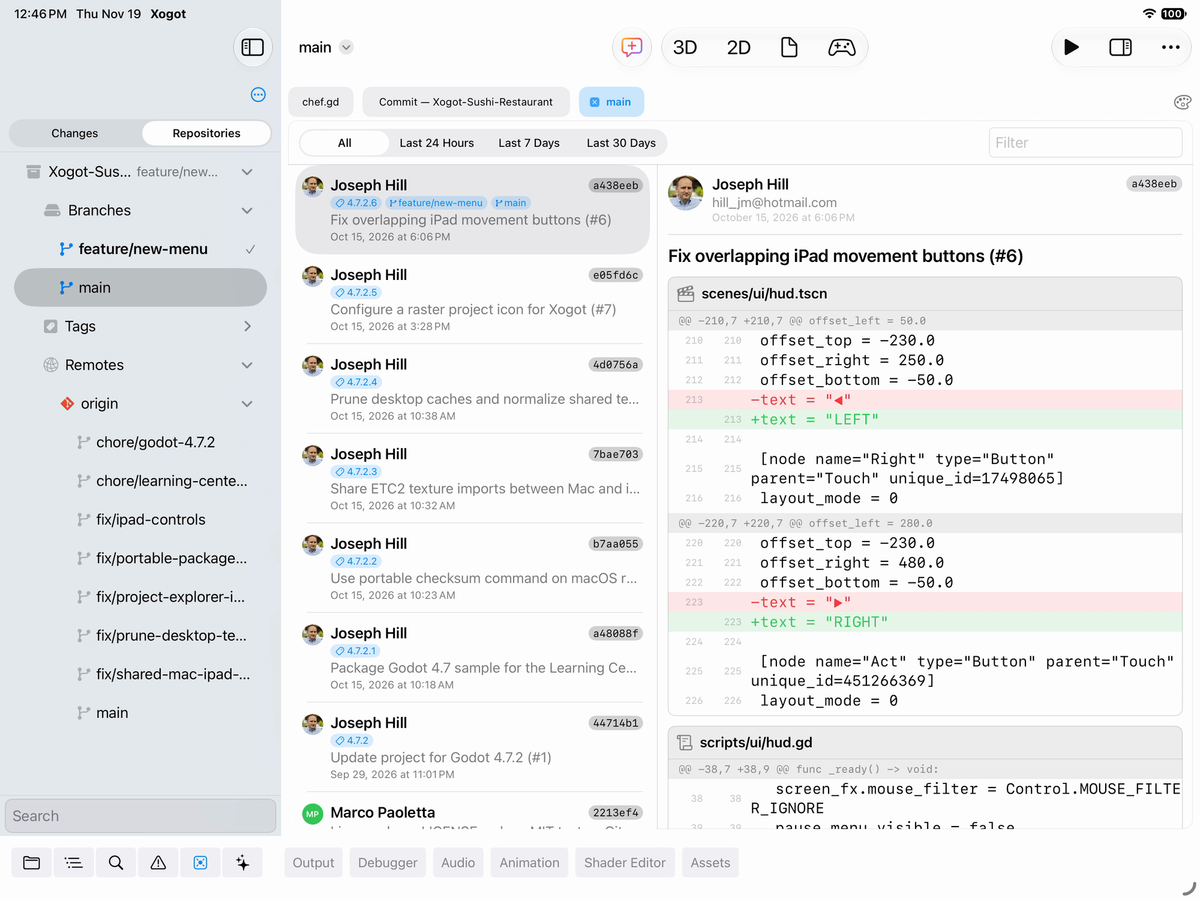
Full desktop-class UI: Stage, commit, create and checkout branches, and pull changes directly from Xogot’s interface without switching apps. We tuned our existing Git support from Xogot on Mac to work on iOS:
Review the diff, stage a hunk, and commit.
Large asset ready: Full Git LFS support is included out of the box to keep your textures, audio, and 3D models running smoothly.
Agents get access to Git too
I started using Git actively around 16 years ago, and it took me years to truly feel comfortable with its quirks and workflows. While I think that our UI does wonders for developers, we have also surfaced the git commands directly to the AI agents, so you can get the help that you need managing your repository.
Play Shared Games Natively with App Clips
You can now share your Xogot games with friends and have them play natively on iPhone and iPad, without installing Xogot. Just export your game to share.xogot.com using Xogot's web export and send them the link. It's a great way to share your latest work, invite friends to playtest a specific build, and get feedback. On iPhone and iPad, the link lets them launch your game through an App Clip, running natively with Godot.
- Instant native launch on iOS: Send the link via Messages or open it in Safari, and your game boots immediately inside a tiny, lightweight Xogot App Clip with no App Store download required.
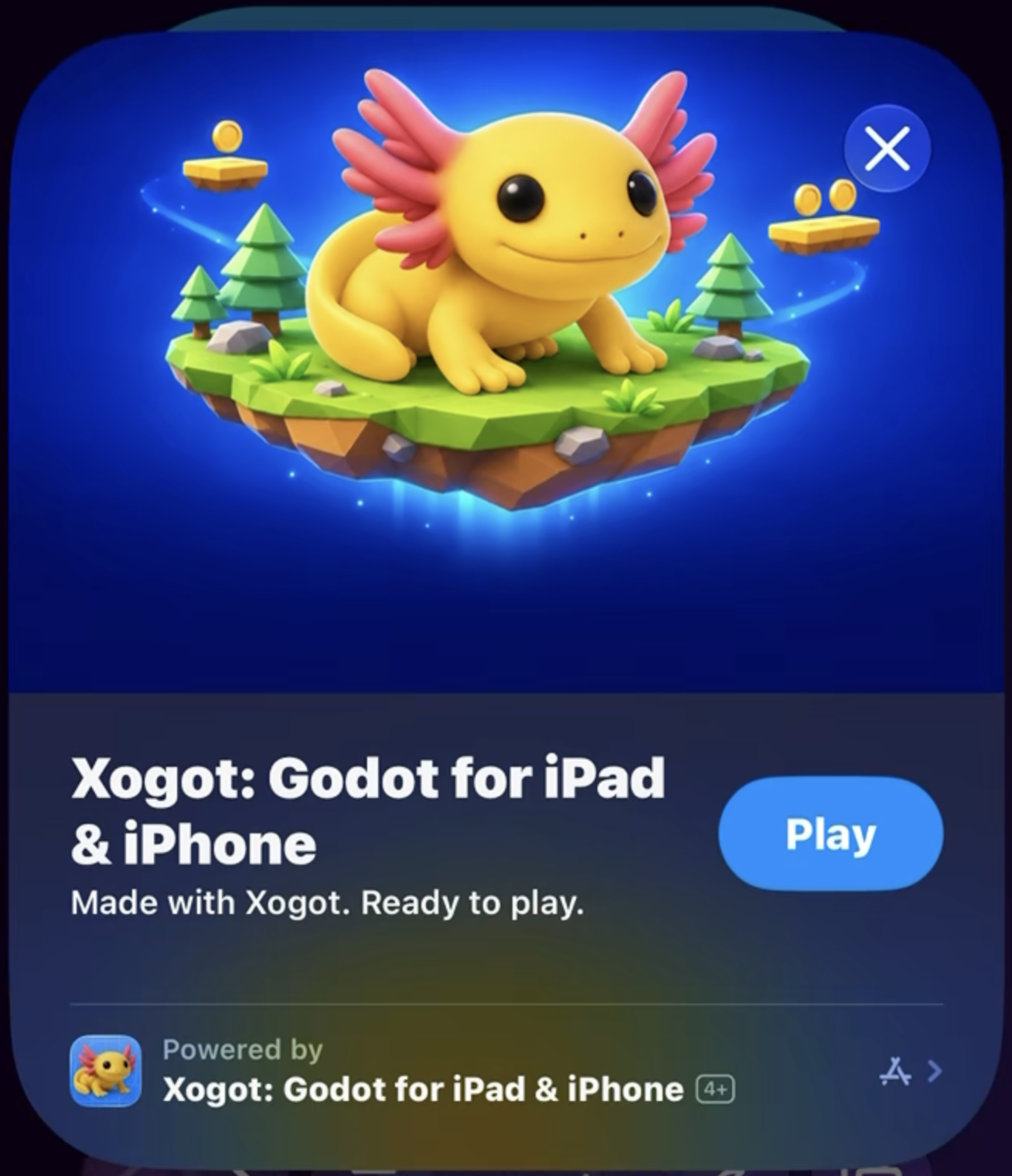
- Full iOS fidelity & native controls: Because Godot on iOS delivers higher fidelity and supports more engine features than the web export, iOS players get the complete native experience—including full hardware performance and responsive native touch and controller support.
- Seamless cross-platform fallback: Sharing with friends on desktop or Android? The exact same link automatically falls back to the web version, so anyone can jump in and play regardless of their device.
Polished AnimationTree
Inspired by Apple’s Reality Composer on macOS, the AnimationTree UI has been modernized with new idioms, and we took this opportunity to give you more precious screen real estate when managing your animations.
The AnimationTree will adjust your UI depending on how far you zoom in or out - adding or removing details on your animation graphs as needed, and we brought many lovely UI touches from Reality Composer.
Zoom in action.